

Learning Resource

How to fit your Resume in a Single Page? (CareerZenith Guide)
Fit to Single Page
Sometimes your resume looks perfect except for a few lines that move onto a second page.
Instead of manually changing multiple formatting settings, you can use Fit to Single Page.
CareerZenith will adjust the resume layout to help fit the content more neatly onto one page.
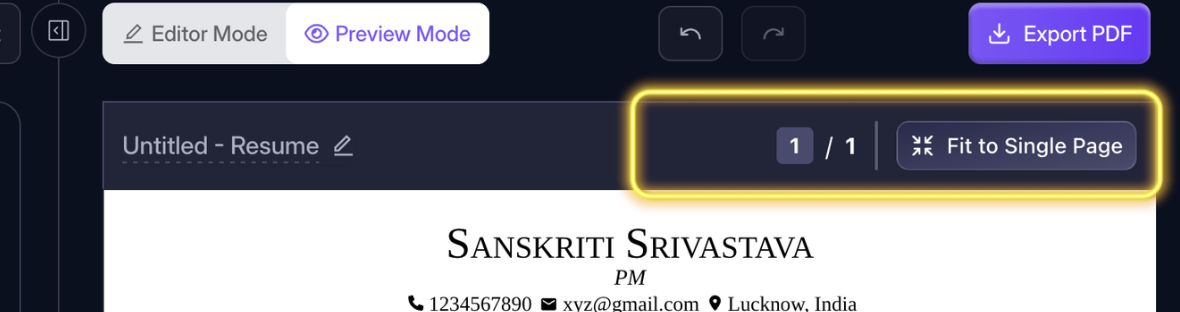
Instead of deleting useful information, try Fit to Single Page first.
Use Preview Mode to Understand how your Resume will look on Download
#ResumeBuilding#CareerZenith#1pageresume
0111 views
Edited


Discussions