


CareerZenith.ai Guide (Upload or Create New?)
Once you log in to CareerZenith and open the Resume Builder, you’ll see two options:
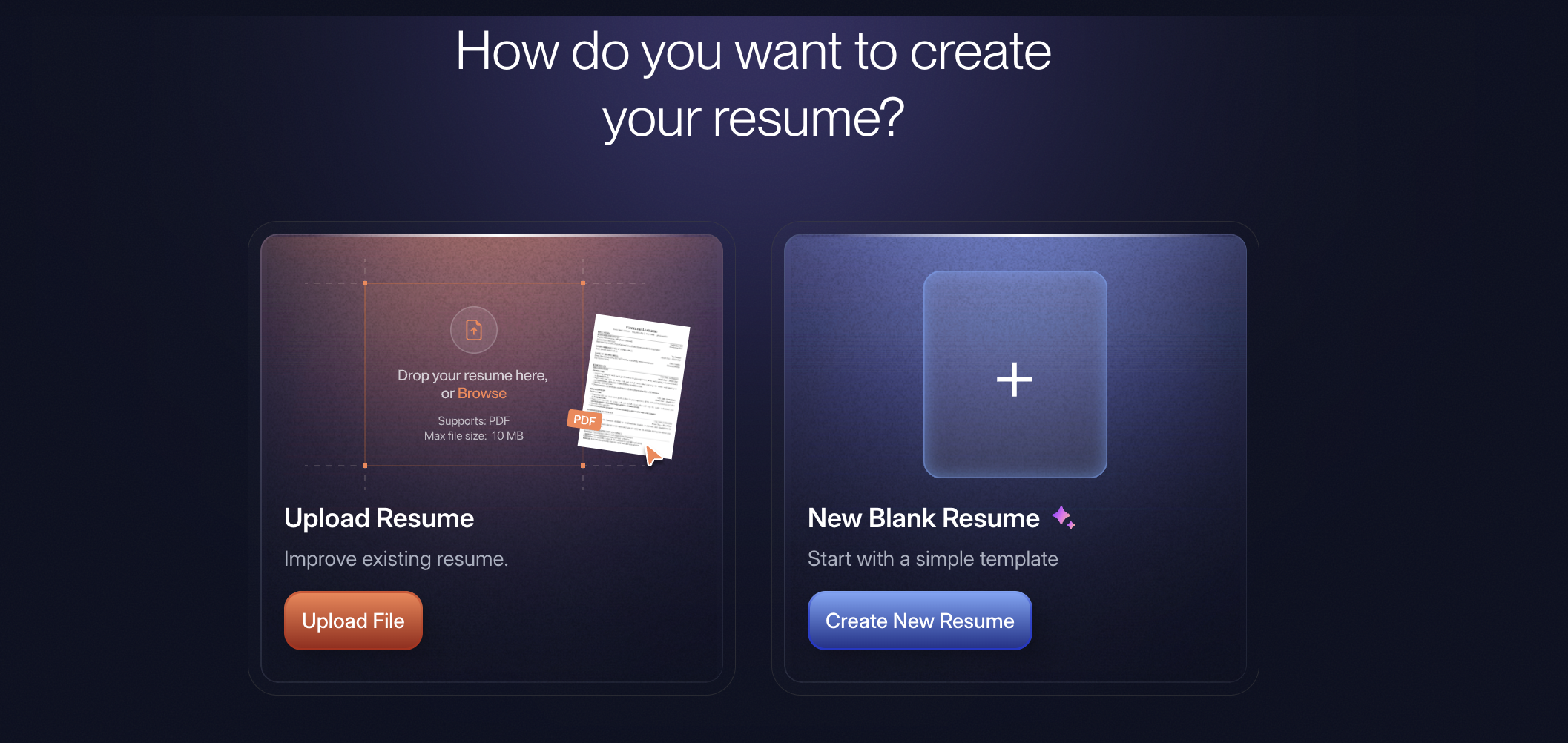
Here’s how to decide which one to use.
Already have a resume? → Upload Resume
Don’t have one yet? → Create Resume
Don’t spend time manually recreating an existing resume unless you specifically want to start over. CareerZenith is designed to help you build on what you already have and improve it step by step.
Choose “Upload Resume” if you already have a resume
If you already have a resume in PDF/DOCX format, start by uploading it.
CareerZenith will read your existing resume and bring its content into the builder so that you don’t have to recreate everything manually.
This is the better option if:
You already have an updated or partially updated resume.
You want to improve your current resume using CareerZenith.
You want to check what is missing or can be improved.
You want to optimise the same resume for different jobs later.
Choose “Create Resume” if you are starting from scratch
If you don’t already have a resume, select Create Resume.
CareerZenith will let you build your resume section by section instead of requiring you to prepare everything beforehand.
This is ideal if:
You are creating your first resume.
Your old resume is outdated and you want a fresh start.
You want to use a CareerZenith template from the beginning.
You want better control over the structure of your resume.


Discussions